What Is the Internet? — Your Phone and Your Computer Drive the Same Road
The result first.
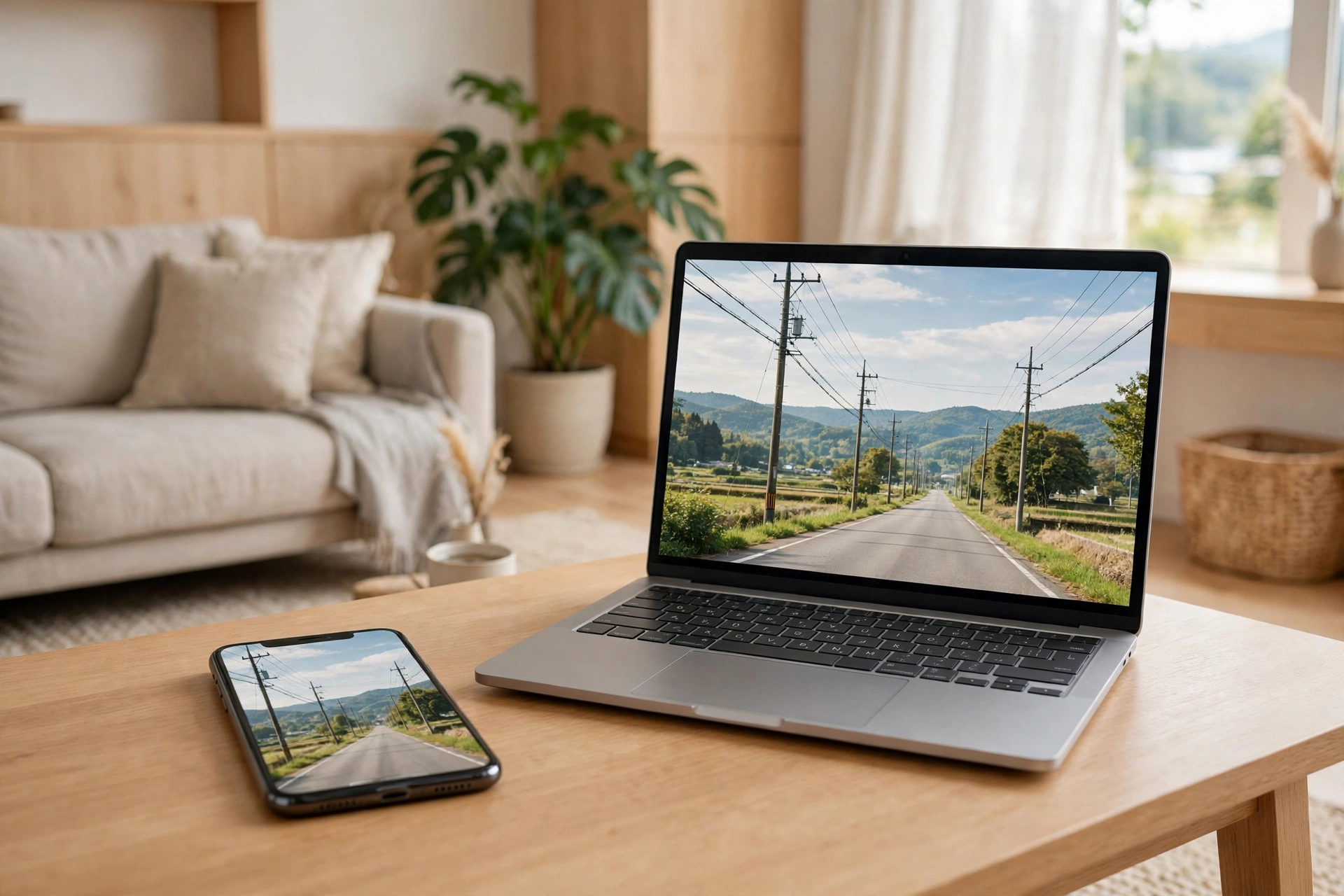
Your phone and your computer use the same internet. The road is the same. The address works the same way. The houses you visit are the same. Only the entrance is different.
And one more thing, first, because this article is the entrance to using Moka: the ordinary plan today is up to 1 gigabit. Whatever kind of line you have — fiber, cable TV, a plug-in box, or only a phone — Moka can meet you there. Talking with Moka is mostly words and voice, so it does not need much speed. If you have an ordinary plan, Moka will work fine. The numbers are in the next article.
What follows is why the road works the same for both — and the one place where people get confused.
I am Kurashiki Bouzu, born in 1971. I live in an old house — a kominka — in Kurashiki, Okayama, and I have been writing about how to use tools, together with my AI butler Moka.
I had written about tools, one after another. Then, when I checked, I found the foundation was missing. There was not a single article about what the internet itself is. So before the tools, here is the road.
It is all a story of roads, houses and vehicles
This is how I find the internet easiest to understand.
- The internet: a gathering of roads, connected all over the world
- A website (a home page): a house or a shop standing along those roads
- An address (a URL): the address of that house or shop
- A browser: the vehicle you drive to that house, once you type in the address
- A server: the building itself — the house or the shop (I wrote about the land separately)
When you look at a web page, this is what is really happening. You type an address into your vehicle (the browser), drive along the road (the internet), arrive at the house (the server), and bring back what is inside — the words and the pictures — to spread out in front of you. That is all.
When a word you do not know appears, come back to this picture. Most things can be put back into roads, houses and vehicles.
A phone and a computer: only the entrance is different
This is the one thing I most want this article to say.
Whether it is a phone or a computer, the road they drive on is the same. The way the address is written is the same. The house is the same. Only the entrance to the road is different.
- A computer: it enters from the road that comes to the house — a fiber line, or a cable TV line like the one at our house
- A phone: it enters from the sky, through the mobile signal. At home, it can also enter from the house road, through Wi-Fi
By the way, our house does not use a fiber line. We have a cable TV line coming in, and inside the house we send it around by Wi-Fi. The way the entrance is built is different, but once you are in, you drive the same road.
A phone is not a different thing because its screen is small. Only the size of the vehicle and the entrance are different. So you can read the rest of an article on your phone that you started on your computer. The address is the same.
Three ways the road comes to your house
Let me say a little more about the entrance. The road that comes to your house is built in three broad ways.
Two of them are like the telephone and the electricity: a line comes to the house. “Wired” means this. Only the kind of line is different. The remaining one has no line: it reaches the road by radio waves.
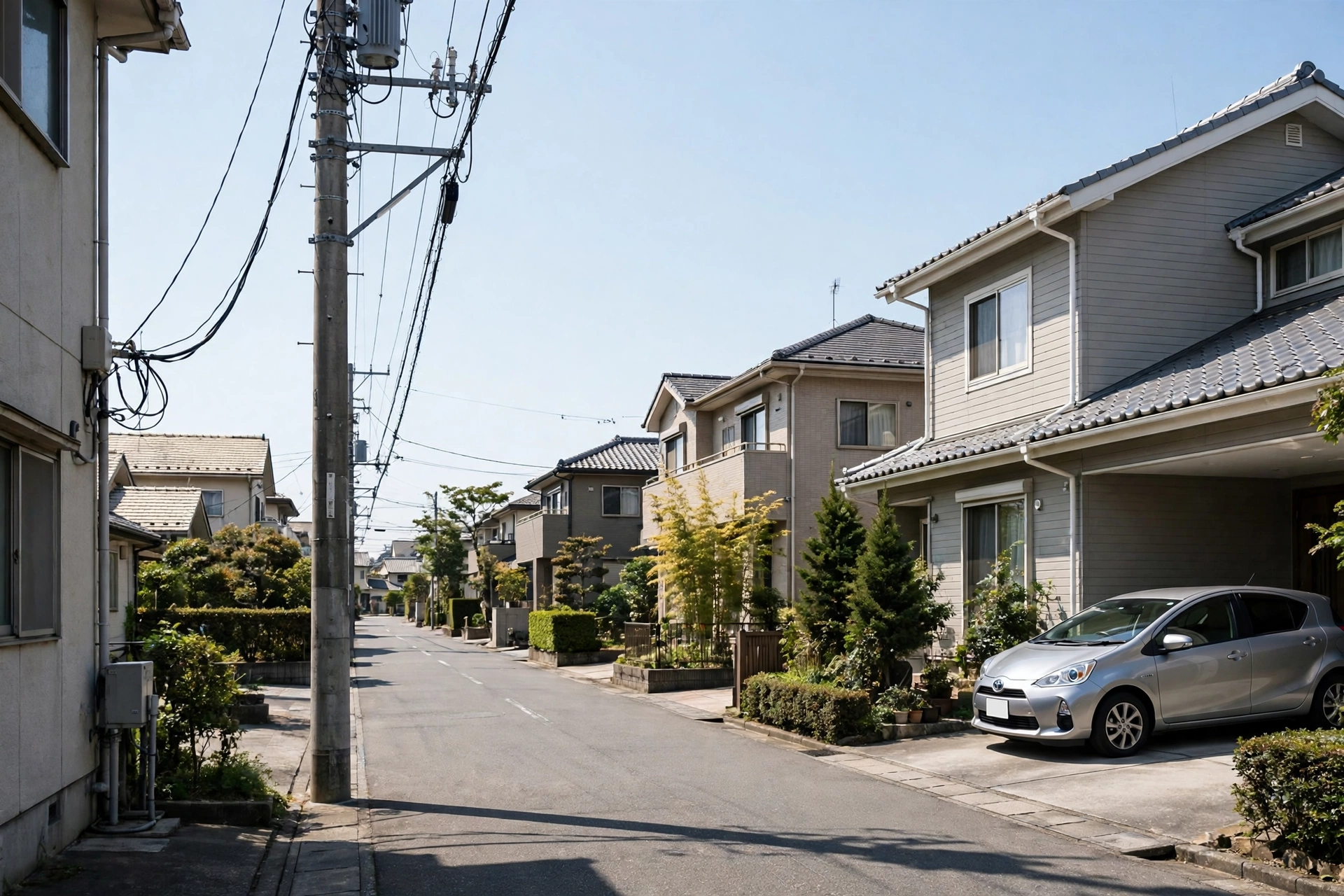
Wires coming into a house from a pole, one after another — that is “wired.” Electricity, the telephone, the internet: the shape is the same.
Fiber line A road newly laid, just for this. Light travels inside a thin glass line. Its strength is that it is fast and hard to crowd. In exchange, you need work to bring the line to your house.
Cable TV line A line laid for watching television, also used as a road. It is the system that has been there since the days of analog broadcasting, so the work to bring it in is light in many houses. On the other hand, one line is shared among the neighboring houses. At night, when many people use it at once, it tends to slow down. Our house is this kind.
A contract sold under the name Wi-Fi (pocket Wi-Fi, home router) A contract that brings no line to the house and reaches the road by mobile signal. You only place a box, or carry a small box with you, so no work is needed. In exchange, the speed rises and falls with how well the signal reaches you and how crowded the place is.
The confusing part is that the word “Wi-Fi” is also used as the name of this contract. Wi-Fi’s real meaning is the name of “the system inside the house,” which I explain in the next section. The same name, a different thing inside. That mix-up is what makes the story hard to follow.
Wi-Fi is only the last stretch inside the house
Here is the mix-up people most often make.
Wi-Fi is not the road itself. It is the system that carries the road that has come to the house, without a line, only for the last stretch inside the house. Think of it as the passage from the front door to the living room, inside the house.
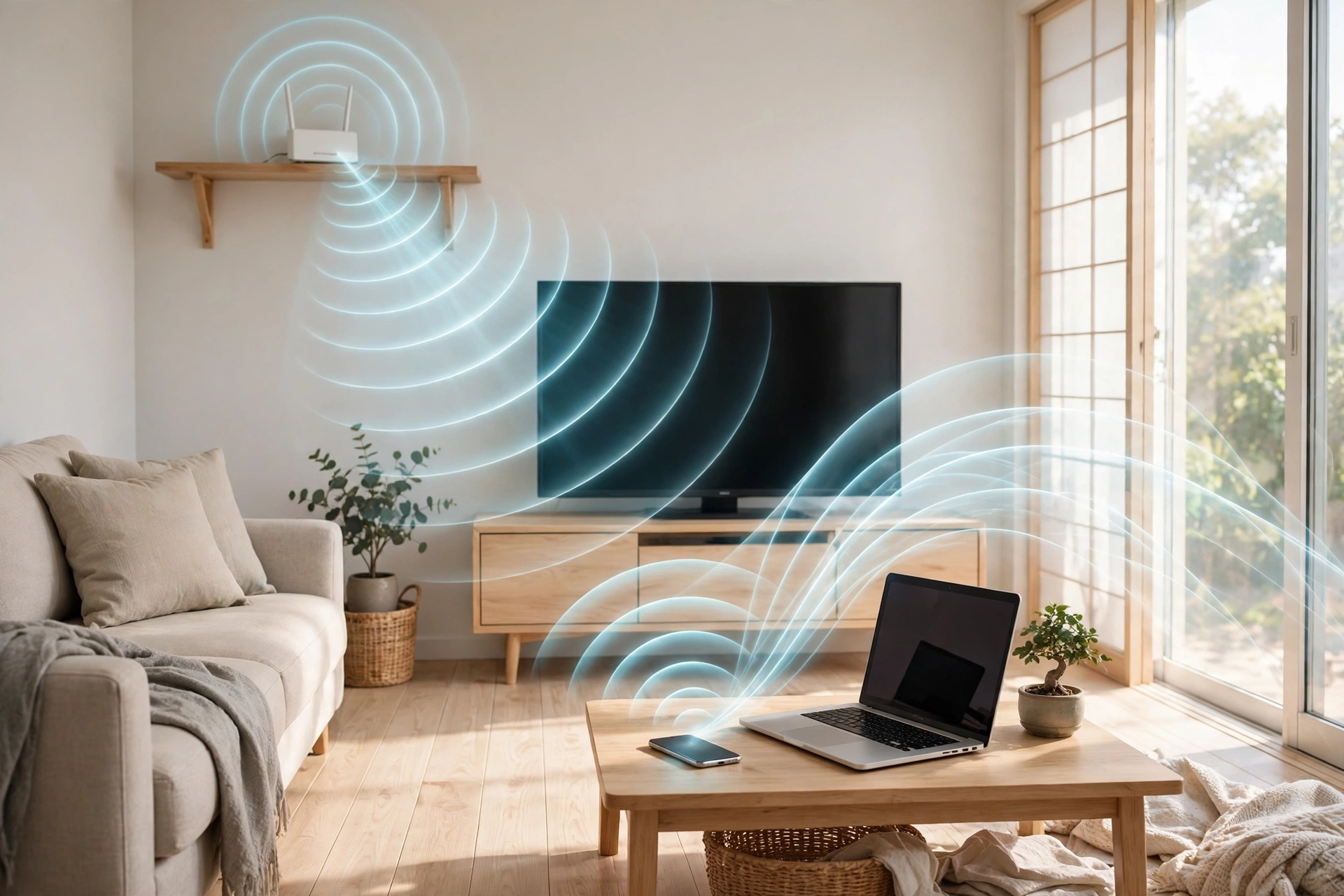
The white box on the shelf is the machine that sends radio waves around the house. What came to the house by a line, it changes over to radio waves and delivers to your phone and computer.
So if the road outside stops, you can go nowhere even while Wi-Fi is connected. “The Wi-Fi mark is showing, but the page will not open” — most of the time, that is what it is. The passage inside the house is fine, but the road outside is crowded, or stopped.
Apps and browsers
A phone also has apps. Think of an app as a vehicle made for one destination. A small car that goes straight to one fixed house (one shop).
A browser is a general-purpose vehicle that can go to any address. The special car is fast and easy, but it can only go to its one house. The general vehicle can go anywhere, as long as you know the address.
In short
- The internet is the road. A home page is a house. An address is the address. A browser is the vehicle
- A phone and a computer differ only in the entrance. The road is the same
- Wi-Fi is the last stretch inside the house. It is a different thing from the road outside
On top of this foundation, the stories about tools stand. Next is the story of the road’s width — how fast is enough. It is the next article: “How Fast Does Your Internet Need to Be?”
I also wrote about making your own “nameplate” further down the road — a Google address — in “Starting with a Google Address” (Japanese version; the English version is coming). The story of driving the road safely is in “Once You Know How to Protect Yourself, You Can Begin” (Japanese version; the English version is coming).
This article explains the system with an analogy. The fine technical details I leave to specialist books.
- 修正:2026年11月14日 ― Published(約5,341字)