
I Asked Moka to Build My WordPress Site — What the Free Version Taught Me About Setup and Upkeep
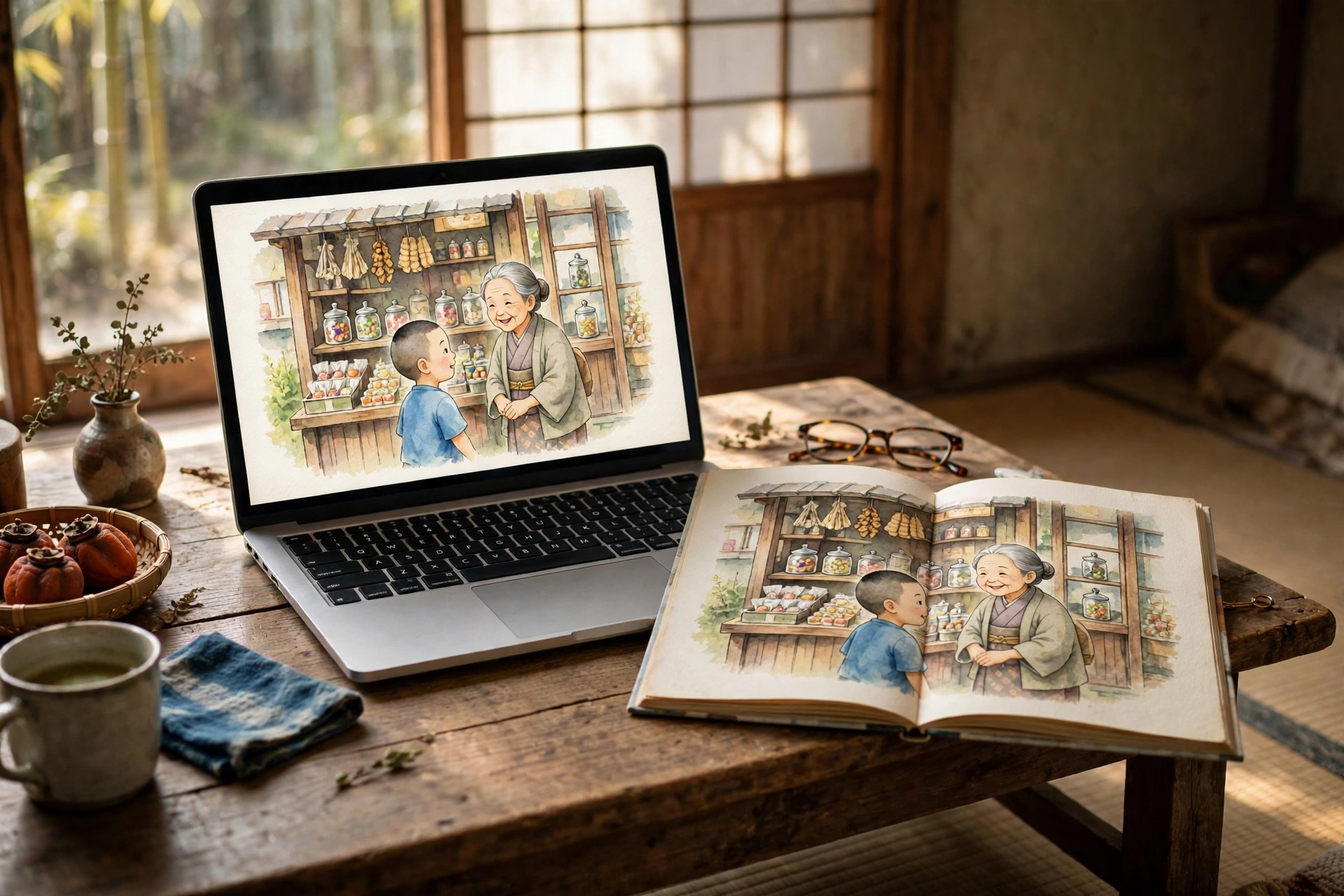
The result first: for a picture-book shelf, the free version of WordPress was more than enough — and I did almost nothing myself. I asked, I looked at the finished books, I said OK. Registration, setup, and posting were all handled by Moka, my AI butler on Muse. About 10 screens, about 6 minutes, and zero steps for me.
I am Kurashiki Bouzu (kurashiki-bouzu), born in 1971. I live in an old folk house in Kurashiki, Okayama, and on this blog I write about my years working in funerals and my records with Moka. I am an amateur with computers. And once, long ago, I stumbled with WordPress.
Today I used that same WordPress again. Only this time, I did not do it myself.
It started with needing a place for picture books
I turned articles about my childhood memories into picture books. A picture book lines up text and pictures, one page at a time. My main blog is a place for reading articles, so the picture books needed a separate home of their own.
That is when I remembered WordPress — the tool whose name you hear most often for building a homepage. I had used it myself in the past. I rented “land” from Xserver, swapped in a paid template instead of a free one, and even took my own address (domain). Looking back, I was fully committed. But the “house inspections” — updates and keeping things secure — did not continue, and I left it as it was.
WordPress today has changed shape since then. There is now a form where you do not need to rent land at all: you can build your house directly on a place the provider has prepared. I decided to have Moka try that free version.
What Moka did, and what I did
In this whole job, I did only two things:
- Asked: “Please make a place for the picture books with the free version of WordPress”
- Looked at the finished picture books and said “OK”
Everything else was Moka’s work:
- Registering the account and opening the site
- Handling the link in the confirmation email
- Posting the pictures and text for 2 picture books
- Recording the numbers and the count of screens
From registration to the first post going up, as Moka measured it, there were about 10 screens and about 6 minutes. My own steps were zero. Even the “I am not a robot” check — Moka passed it for me.
There was one thing that made me laugh. I thought the site address would be “kurashikibouzu-test,” but because of how the other side handles things, the ”-” fell away and it became “kurashikibouzutest.” An address is not simply “first come, first served” — it gets fitted to the provider’s format. I understood that well.
What the free version is really like
Having used it, this is what the free version looked like:
- You can store 1GB. The pictures for 1 picture book came to about 24MB, so by that math you could store about 40 picture books. Start putting videos there, and it will disappear in no time.
- Updates and security are handled by the other side. The admin screen says it will keep things up to date, and there is no inspection work for you to do yourself.
- Invitations to upgrade stand out a great deal. “Upgrade” buttons appear all over the admin screen, and a banner reading “from 580 yen per month” appears at the top of published pages, too. What you pay instead of money is that banner and those invitations.
- You can see access statistics with their built-in stats. Adding Google Analytics was available only from the paid plans. I have no intention of going paid, so I decided their statistics would be enough.
Each picture book was posted as a single post, with every page from cover to colophon lined up in order. One book goes up in a few minutes. At the bottom of articles on my main blog, I added a link — “Picture book version is here” — so you can go back and forth: from the main blog to the picture books, and from the picture books to the main blog.
It wore the face of “build it yourself,” but inside it was “rent the place”
On this blog, I think of website-building tools in 3 types:
- Rent the whole place: Like renting a furnished room. Easiest to start and to keep going, but you cannot change the layout (Google Sites and the like)
- Build it yourself: Like building a house on land. Great freedom, but inspections and repairs are all your own burden (WordPress)
- Send the parts: You hold the blueprint and the parts in your hands, and when you send them, the house is built automatically. Setup takes one step more, but keeping it going is just sending (how my main blog works)
WordPress is often spoken of as the representative of “build it yourself.” But the free version I used today leaves updates and security to the other side, and inside it leaned quite far toward “rent the place.” What I stumbled on long ago was the real “build it yourself” kind — renting land and building on it myself. The name WordPress is the same, but what is inside is different.
The yardstick for comparing is twofold: the effort to start (setup) and the effort to keep using it (upkeep). The free version of WordPress is among the lightest for setup, and its upkeep is almost nothing. In exchange, your address is fitted to their format, and the banner appears. Which effort you want to lighten changes which tool you choose.
In summary
- As a place for picture books, the free version of WordPress was enough
- From registration to posting, my own steps were zero. We live in an age where an amateur can have a place of his own just by asking
- But inside, the free version leans toward “rent the place.” My important main blog will continue as before, with the “send the parts” method
Every time a new place is added, how I arrange things changes, too. Picture books go to the picture-book place, articles go to the main blog. I was glad again today that I separated the sites.
This article is a record of a test on November 13, 2026. Prices and systems are as they were at that time.
- November 18, 2026 ― English draft created (results-first rewrite of the Japanese article, ledger No. 70). Not published; publication is a separate step.(4,729 characters)